Table of Contents
Engraving detailed images
For 3D shapes
- Import mesh file in Fusion 360
- Create toolpaths
- 6mm ball mill - parallel with a tiny axial stock-to-leave
- 2mm ball mill - parallel 90°
For 2.5D shapes that retain sharp edge quality

Using Rhino
Workflow: Vector image > in Rhino: make solid 3D object > import this into Fusion 360 > Toolpaths
- Open .ai file in Adobe illustrator
- Export as .dxf. tests needed to see which settings give the least self-intersections
- Open Rhino
- File > Import > Select DXF file
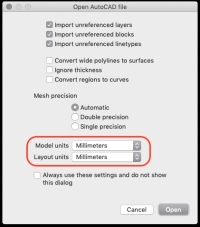
- Leave all import settings default, but check that Model & Layout units are set to Millimeters

- Move drawing elements to separate layers: (To separate the base from the drawing for example)
- Select the curve elements. In the upper right, the object type says: block instance
- click the
explodeicon 3x (or until Rhino says: ‘closed curve’ instead of ‘block instance’ - select the curve elements you want to move
- right-click on the target-layer
- select
change object layer
- Fixing self intersections
- When extruding vector shapes, you might get the warning that there's some self intersecting geometry.
- If the curve elements are still a ‘block instance’. Click explode 1x (or until the block instance becomes curve objects).
- In the command line, type
TestCrvSelfIntersection(no need to press enter after), then make a selection of all the curves you want to test. Click ‘done’. The command adds points where there are self intersections for visual reference.
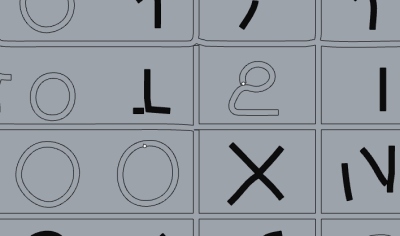
- select the curve tools tab and zoom in to one of the points.
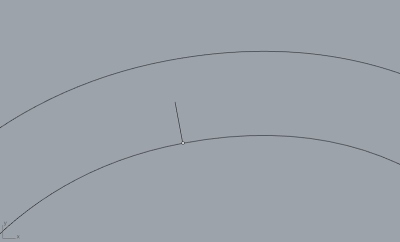
- Make sure the selection is of the type 'curve' instead of 'block instance'
- draw a line or circle to isolate the problematic intersection.

- click the
trimicon. - select both the curve you want to keep and the shape you just drew. Click done.
- click the parts you want to delete. Click done.
- now there's a gap in the curve. Fill it with a line object for example.
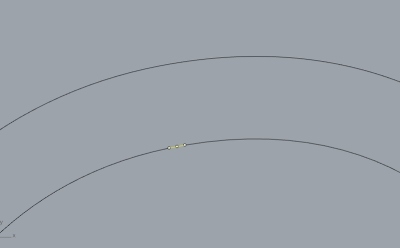
- select the main curve and the remaining piece of the shape you drew and click the
Join' icon.


- Make solid 3D object
- When there are no self-intersections left, select the
solid toolstab - Select all the curves you want to extrude
- activate the layer where the solid object should be created in (press the radio button)
- Click the
extrude closed planar curveicon.

- Move your mouse so the extrusion goes in the right direction (don't click)
- Type the amount of millimeters you want
- Press OK.
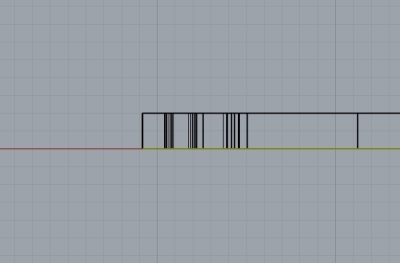
- Check if the result looks OK by switching to ‘rendered’ view. Any weird things will be visible.
- If something is bad, it's often a very short section of wall (surface). See below: 'If extrusion fails'


- Unite object
- select all solid objects
- click
Boolean Union - check if they look OK by switching to ‘rendered’ view
- If extrusion fails
- This might happen when there's a small surface present. To find and delete it, do the following:
- shift + click the top (and bottom) surface and delete them.
- select the walls and 'explode' those.
- enter the command
selsmalland add a value that's a fraction larger than the object's extrusion. For example: a shape is extruded 2mm, enter 2,001. This finds shapes up to that length. So the smallest surfaces are found this way. - if the command found one or a few super small walls, delete them. If there's no gap, that should be good enough to go. If there's a gap, try adjusting the surfaces boundaries to match or fix the gaps with the
connect surfacesicon. - When the walls look OK again, click the icon
surface from planar curves, then select the tops of the walls and press OK. - Repeat for the bottom parts if necessary
- Join the fixed part to the rest of the solid model.
- Export as STP file
- Import STEP file into Fusion 360 to create toolpaths the regular way.
- Use flat end mills
Using Fusion 360
Update: Not very practical
Workflow: Vector image > import into fusion 360 as vector images > workarounds to make fusion less slow > toolpaths
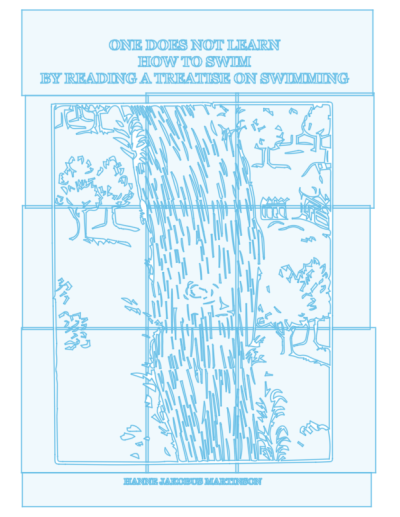
Fusion 360's sketch engine is not built for vector images with lots of detail. Here are some tips based on this article to try make it work. The key is to keep sketches simple. That's why we'll try to spread the information over multiple sketches. We will split up the vector image into multiple tiles in Illustrator.
Keep the document units the same throughout the workflow (mm for example)
- In Illustrator, simplify the vector drawing as much as possible.
- Separate elements into different layers
- Clusters can be cut (illustrator: divide option in the pathfinder) and separated into different layers. For this to work, the cutting object shouldn't be a closed shape.
- Export from Illustrator to DXF (exporting to DXF from Inkscape resulted in strange artefacts).
- Import in Fusion 360 with the option of
One sketch per layeroption enabled.
Negative space
For cutting the area in-between the shapes (to use as a stamp for example).
Note to future self: If an image is used as a stamp, mirror the image(!)

Embossing stamp in aluminum. Not mirrored.

Embossing stamp in Trespa. Mirrored.
In Illustrator
- Set the document units to mm
- Draw guides to define where the tiles should go:
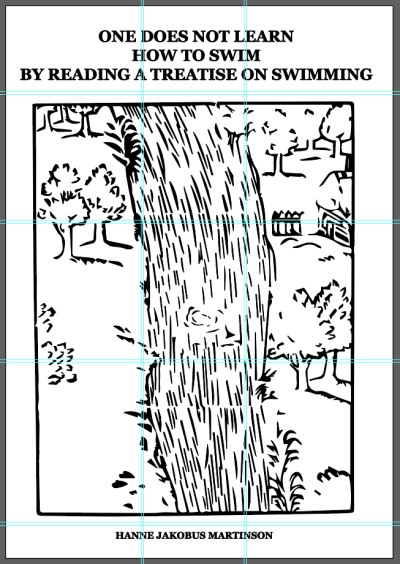
Notice the double lines. This is overlap so we're not running into problems cutting thin walls on the edges. - This process ruins the vector image. So always work on copies of it.
- Draw squares where you want the tiles to be (with a bit of overlap). Give them a stoke colour that's different than the image vectors (red for this example):

- Select the image vectors and the rectangle.
- click 'divide' in the pathfinder:
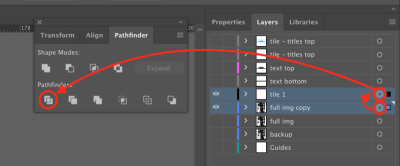
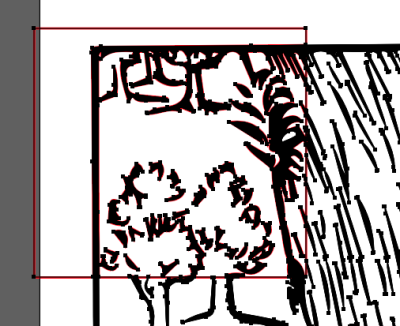
- The two layers have merged into one. You can delete the empty one:
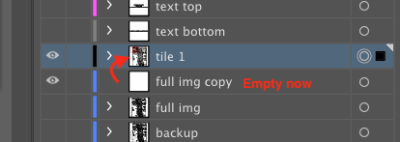
- Ungroup the square and the image.
- Select a part of the image (a back shape in this case) and go to
Select > Same > Appearance. Delete it:
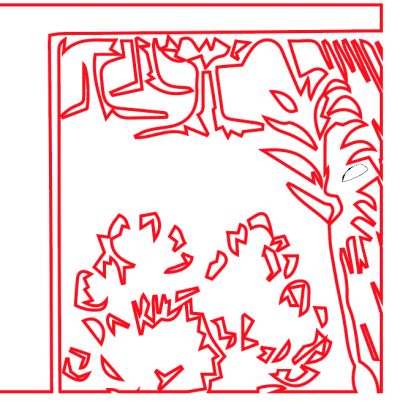
- The black shapes are internal cavities that weren't reached by the red shape. Select them and give them the same outline thickness and color. (Probably not necessary). I think this is because the original file already had those double lines.
- Use the outline view mode to delete objects outside the tile area:
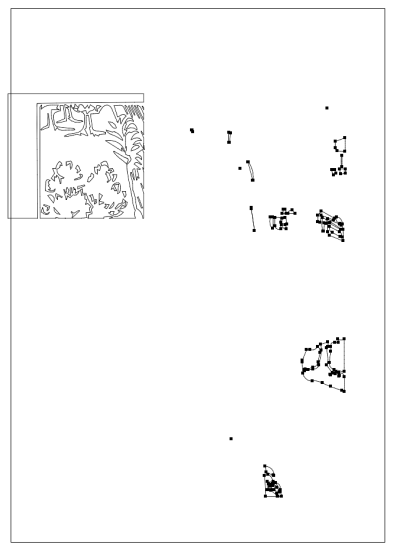
- Give this layer a clear name. Hide it and repeat for the other tiles:
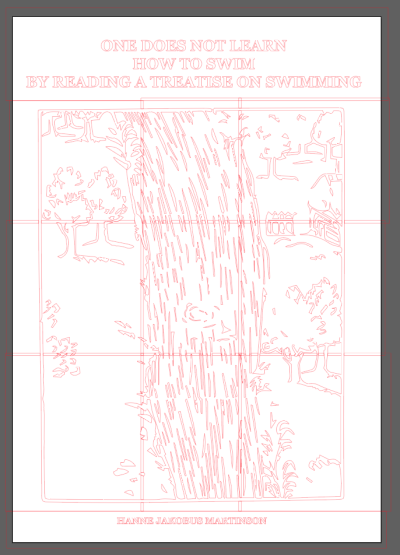
- After all the contours for the tiles have been made, select all the vectors and export:
- Go to
File > Export > Export as…. Set the format todxfand click Export. - In the export options, make sure a unit represents a millimeter. Check the option
Export Selected Art Only. Click OK:


In Fusion
Preparing the 3D models
- Import one sketch per layer:
- Draw a frame around every sketch, so the boundary can be raised up. This is necessary to calculate the toolpaths. These boundaries will be milled away by the overlapping areas.
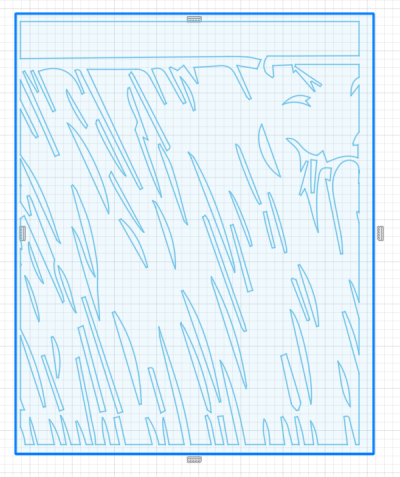
- Hide all but 1 sketch.
- Create a tile
- Extrude the base
- Select the extrude option and select the whole sketch (drag right-to-left).
- Extrude downwards for the base.
- Extrude the drawing elements
- Select the extrude option and select the drawing elements
- Extrude upwards.
- Set the operation to
Join, so top and bottom will be a single object.

- repeat for all tiles:
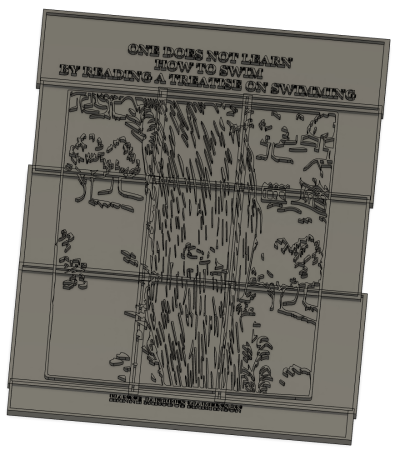


Creating toolpaths
- Create an object with the dimensions of the stock material & position it accordingly in relation to the tiles.
- Machine all tiles one by one.
- Create a setup, referencing the just created object for the stock material. Only select one tile as the object to machine. Duplicate this setup for each time. Make sure to use the same origin point in all setups.
- Rough out most of the material using a 3D adaptive strategy with a 3mm flat endmill. Use ±0.5mm stock to leave so fine elements won't get pulled out while rouging.
- Then engrave: select the contours from the sketch instead of the 3D model. Select the sketch lines manually (it cuts the insides instead of the outsides of the shapes when using selecting all the contours with the box select tool). Select all lines except the outer rectangle.

3D model

Contour selection

Toolpaths

Stock simulation